
Record.
Set up while parked. Keep the app open and your phone unlocked.
Turn your iPhone into a dashcam. Record with the app open, review when you’re parked, and choose what to share.
View on the App StoreFree for iPhone · Requires iOS 27 or later · Available in the U.S.
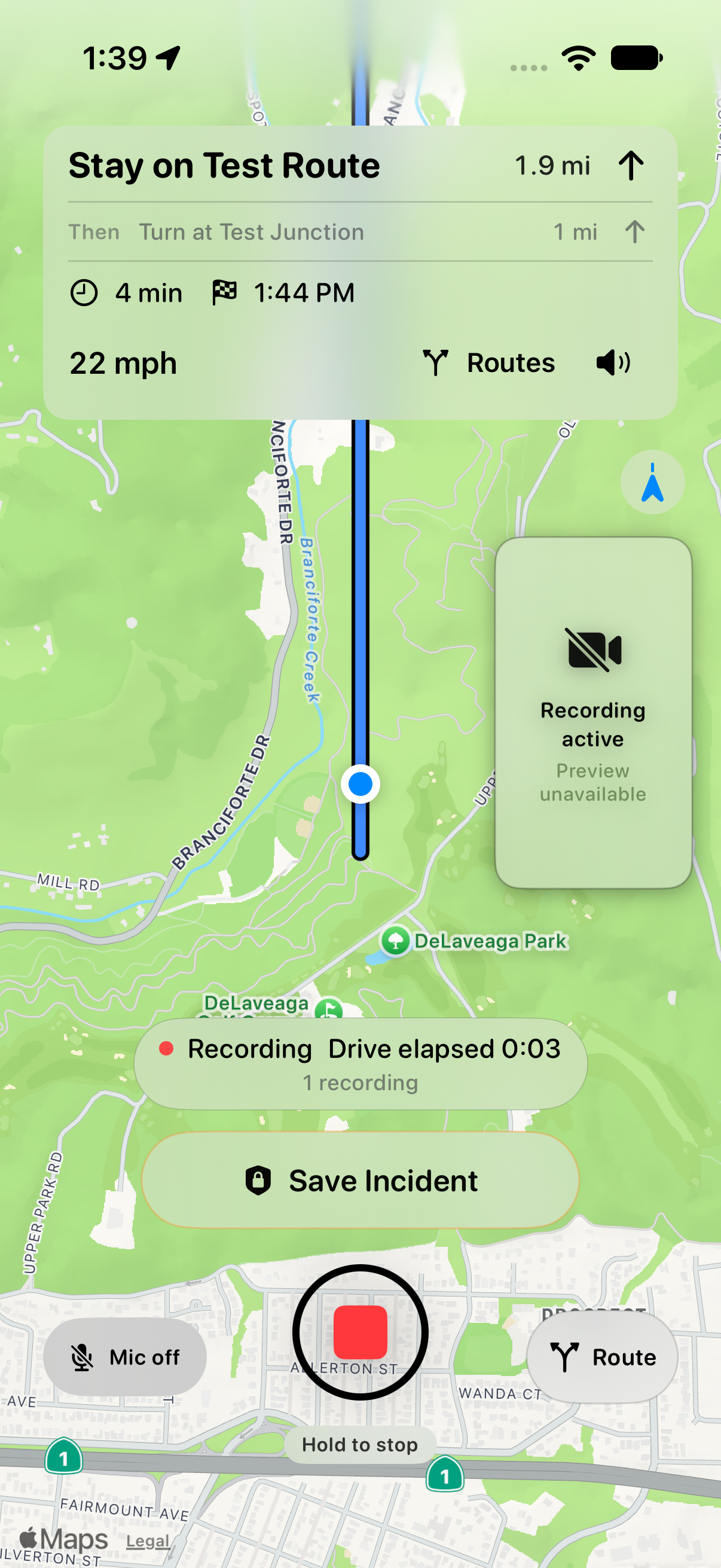
Set up while parked. Keep the app open and your phone unlocked.
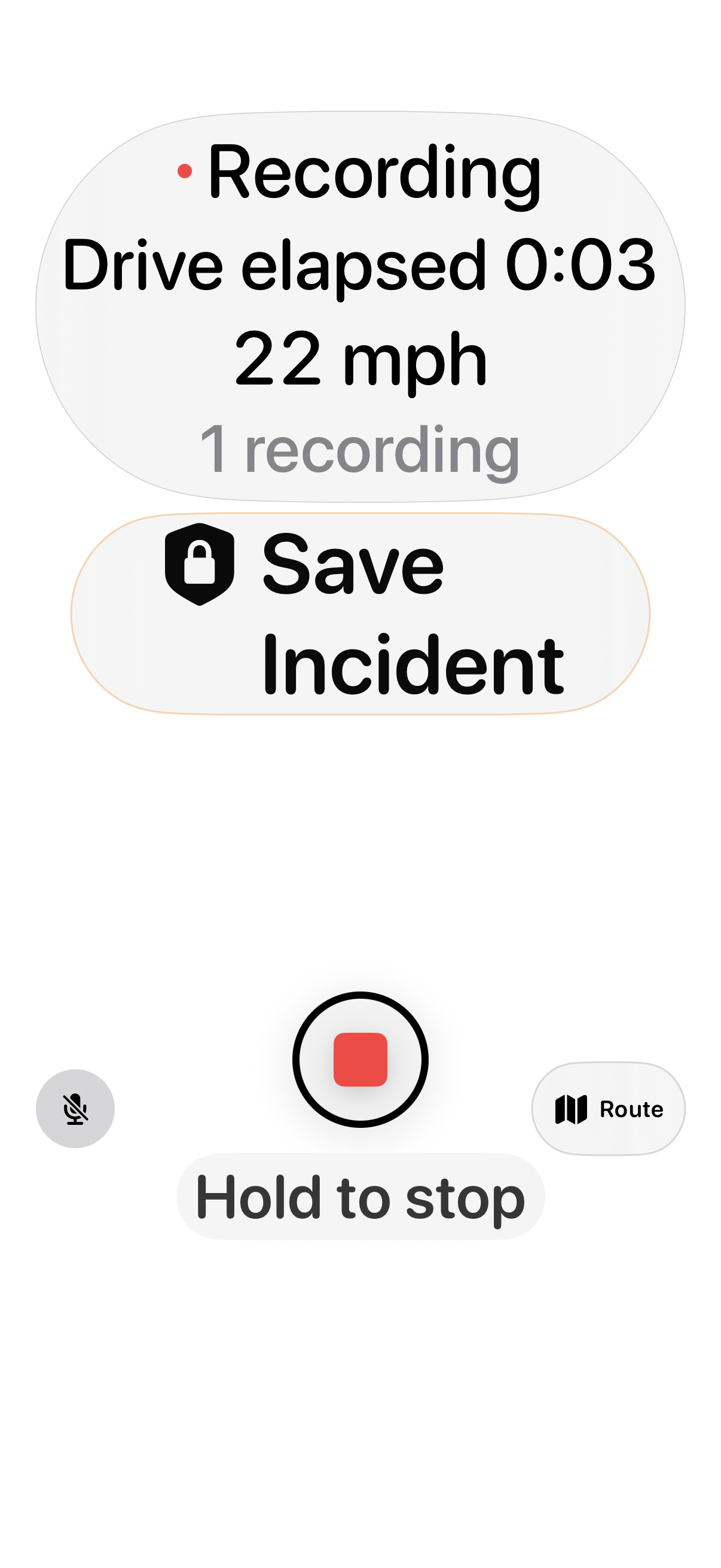
Mark a moment with Save Incident. Protection excludes it from cleanup.
When parked, find your drive in Library and check available video.
Export a copy to a destination you choose, then check it plays.
Saved on your iPhone. No account. You choose what to keep, what to export, and where a copy goes.
Optional iCloud Drive backup is off until you turn it on. It can only copy footage that was saved; protection alone is not a backup.
Read the privacy policyA secure mount, a clear road view, power and ventilation. Try a short recording and check playback before relying on your setup.
Setup and supportKeep DashReplay open and your phone unlocked. Switching apps or locking stops recording. Returning may start a new segment; no footage is captured during the gap.
Unprotected recordings can be removed by automatic cleanup. Protection excludes cleanup; it does not guarantee capture, playback or backup.
App errors, heat, storage limits, power loss or phone damage can leave missing or unusable footage. Do not interact with the app while driving.
| Features | Free$0 | Pro$9.99one-time · USD |
|---|---|---|
| Record, replay and share | Included | Included |
| Save Incident | Included | Included |
| Manual protectionFrom automatic cleanup | 3 ordinary recordings | No count limit |
Incident saves are exempt from the protection count. Pro does not add storage.
Microphone audio is optional and off by default.
A few things to know before you put your phone to work.
Yes, if it runs iOS 27 or later and its camera, battery and storage are in good condition. Use a secure mount with a clear road view, allow ventilation and plan for power. Test your setup while parked.
No. Keep DashReplay open and your phone unlocked. Switching apps or locking stops recording. Returning after an interruption may start a new recording; no footage is captured during the gap. It is not parked-car monitoring.
Heat, app errors, storage limits, power loss, phone damage or interruptions can leave missing or unusable footage, including during a crash. Park before checking the app. Check playback and export important video; Save Incident cannot recover missing footage.
Microphone audio is optional and off by default. Enabling it requires microphone permission. Audio can be unavailable or interrupted, so check an important clip before sharing.
Recordings are saved on your iPhone. There is no account. Unprotected recordings can be removed by automatic cleanup. Optional iCloud Drive backup is off until enabled and can only copy saved footage. You choose when to export or share a copy. Apple Maps uses Apple services for maps and search.
Protection excludes a recording from automatic cleanup. You can still delete it. It is not backup or a guarantee of capture or playable video. Export important footage and check the copy.
Recording, Save Incident, replay and sharing are free. Basic protects up to three ordinary recordings; incident saves are exempt. Optional one-time Pro removes the ordinary-protection count limit. It does not add storage.
Available on the App Store in the U.S.
Free for iPhone with iOS 27 or later. Optional Pro is a one-time purchase.View on the App Store Contact support